
Quick Verdict on Lenovo ThinkPad E16 Gen 2
Recommended for: ✅ Molecular Biology PhD ✅ Biotechnology ✅ Microbiology ✅ Faculty ✅ Postdoc
Not Recommended for: ❌ Heavy Deep Learning:❌ Professional Video Editing
Overall Rating: 9.5/10

Best Laptop for PhD Students (Molecular Biology Research Guide)
Choosing a laptop before starting a PhD is surprisingly stressful. Open YouTube and everyone recommends a gaming laptop. Visit Reddit and someone insists, you need a MacBook. Ask your friends, and suddenly every laptop seems to be either “the best” or “a complete waste of money.” The problem is simple.
Very few people review laptops from the perspective of a researcher.
A molecular biology PhD student doesn’t use a laptop the same way a gamer, software developer, or video editor does. Your laptop becomes your laboratory outside the lab. It’s where experiments are analyzed, papers are written, presentations are created, and year long hardwork slowly turn into manuscripts.
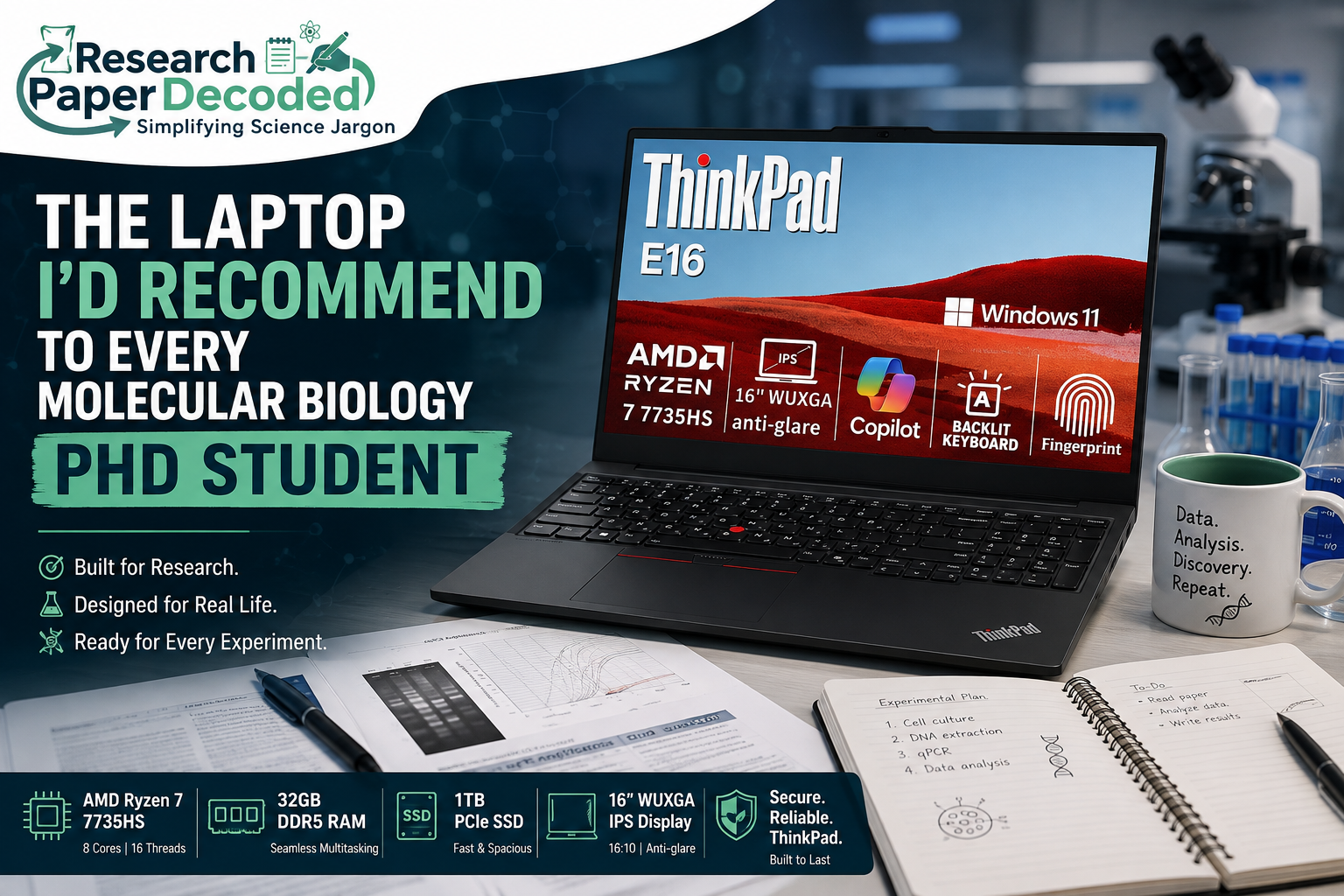
After looking at the Lenovo ThinkPad E16 Gen 2 (Ryzen 7, 32 GB RAM, 1 TB SSD), I kept asking myself one question: If a new PhD student in my lab asked me which laptop to buy today, would I confidently recommend this one? The answer is yes.
Your Laptop Will Slowly Become Your Second Laboratory
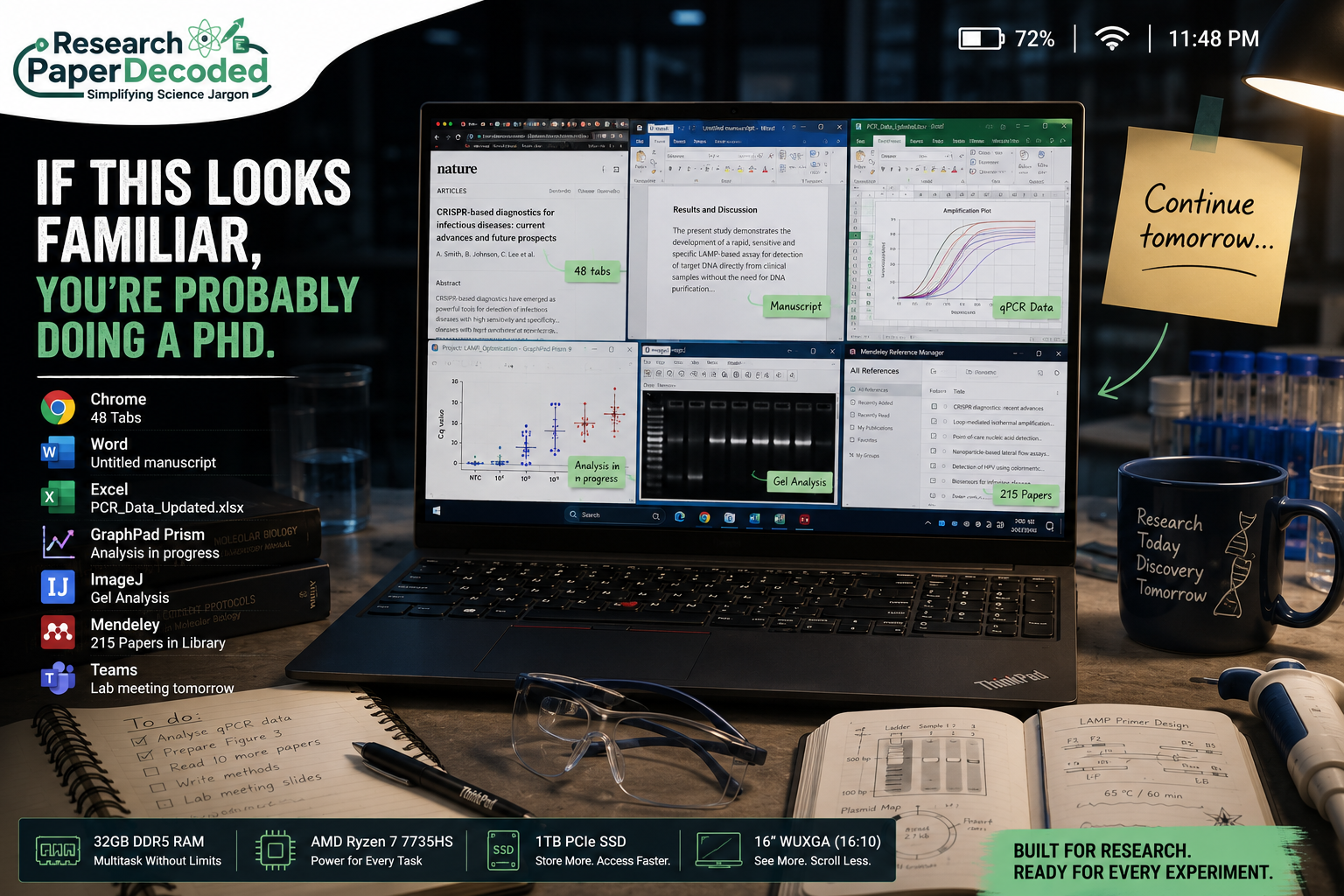
When you first join a PhD, your laptop doesn’t seem very busy. A few research papers. A PowerPoint presentation. Maybe an Excel sheet. Life is simple. Then research in molecular biology begins. One week later you’re reading a paper on CRISPR diagnostics. That paper cites another interesting paper. Then another one, then another one and it goes on. You open them all because you’ll read them “later.” But you never do.
The tabs remain open for weeks to month. The PDF stays open. Word remains open because you’re making notes. GraphPad Prism stays open because you’ll analyze yesterday’s experiment after lunch. ImageJ is open because you still need to measure those gel bands. Teams is running because your supervisor might suddenly schedule a meeting. At some point, something strange happens. You stop shutting down your laptop. Not because you’re lazy. Because tomorrow you’ll continue exactly where you stopped today.
Most researchers don’t treat their laptops like ordinary computers. They treat them like a laboratory bench. You don’t clean your entire laboratory bench every evening. You leave your pipettes where they are because tomorrow the experiment will continue. Your laptop becomes exactly the same. And that’s where the first specification of this Lenovo ThinkPad E16 Gen2 laptop starts making sense.
Why 32 GB RAM Is One of the Best Investments You’ll Make
Ask a first-year PhD student what matters in a laptop. Most will say: ” The Processor.” But few mention RAM. Ironically, RAM is what determines whether your laptop still feels fast after months of research and multitasking. Imagine about the laptop of a Molecular Biology PhD student. Twenty research papers are open. Chrome has thirty-five tabs. Excel contains raw qPCR data. GraphPad Prism is generating graphs. ImageJ is measuring fluorescence intensity. PowerPoint is waiting because tomorrow is lab meeting. Spotify is quietly playing in the background connected to Bluetooth Headphone with noise cancellation. Then someone sends you another Excel file.
With 16 GB RAM, you’ll probably start thinking about what to close first. With 32 GB DDR5 RAM, you simply open another application and continue working. That’s exactly what this Lenovo ThinkPad offers. The goal isn’t to show off a large RAM number. The goal is to stop thinking about RAM altogether.
The Ryzen 7 Processor Doesn’t Need to Impress Benchmarks
Laptop reviews love benchmark scores. Researcher Scholars rarely care about the benchmarks and all specification and their technical details. What matters the most to a PhD student is that: Can your laptop keep up when your day becomes chaotic but the laptop still perform with the quick speed without any lagging while maintaining multitasking.
The AMD Ryzen 7 7735HS inside this ThinkPad features 8 cores and 16 threads, making it well suited for multitasking research workloads. Think about the software many molecular biology researchers use every week:
- GraphPad Prism
- ImageJ / Fiji
- Microsoft Excel
- PowerPoint
- Word
- Mendeley or Zotero
- SnapGene
- BioEdit
- Python
- RStudio
- Browser-based sequence analysis tools
None of these applications individually demand an extreme workstation. A good processor doesn’t make your work faster because of benchmark numbers. It makes your work smoother because everything keeps responding fine when deadlines are approaching.
Nobody Warns You How Quickly Research Fills a Hard Drive
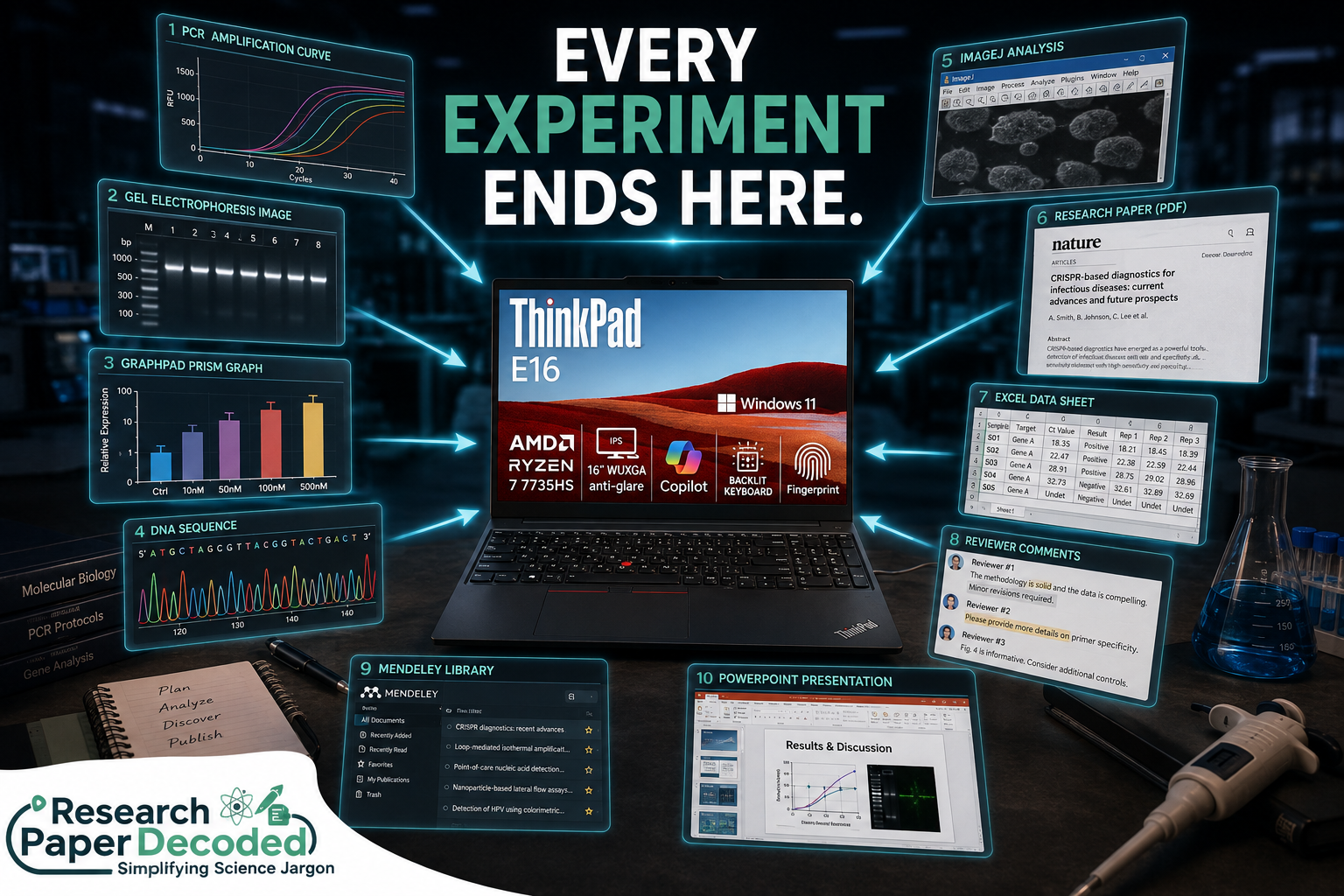
The first month of your PhD is deceptive. A few PDFs. Some lecture slides of your PhD course work. Maybe fifty gigabytes of data. Then experiments begin. Raw ‘Agarose gel’ images, Microscopy images, Flow cytometry files, Sequencing results, Western blot photographs, Presentation files, Manuscript drafts, Supplementary data, Reviewer comments, Revised manuscripts, Final manuscripts, Another folder called: Final_Final_Revision_v3.docx. Wait, its not over yet. An aspiring, energetic, hardworking PhD student will not stop at just 1 paper. There will be 10s to 100 to many more.
Research has a funny way of multiplying files. The 1 TB PCIe SSD in the ThinkPad E16 Gen 2 gives you plenty of room while keeping file access fast. You’re not buying storage for today. You’re buying storage for the researcher you’ll become in your third or fourth year.
The Feature Most Reviewers Ignore
Let’s talk about the keyboard. No benchmark measures it. No YouTube channel spends ten minutes discussing it. Yet it may become the feature you appreciate the most. Think about everything you’ll write during your PhD. A literature review, Journal manuscripts. Conference abstracts. Reviewer responses. Progress reports. Grant proposals. Emails. Thousands upon thousands of words.
The ThinkPad keyboard has earned its reputation because it was designed for people who spend hours typing—not just occasionally replying to emails. The laptop also includes a backlit keyboard, making it easier to work during late-night writing sessions. After six hours of writing a manuscript, you’ll care far more about typing comfort than RGB lighting.
A Bigger Screen Doesn’t Mean More Entertainment
The ThinkPad E16 comes with a 16-inch WUXGA (1920 × 1200) anti-glare display in a 16:10 aspect ratio.
That extra vertical space sounds like a small detail. Research involves reading, and lots of reading. Being able to see more of a journal article, a spreadsheet, or a manuscript without constantly scrolling makes long working sessions noticeably more comfortable. The anti-glare finish is another practical touch. Laboratory lighting isn’t always ideal, and reflections become surprisingly annoying when you’re reading papers for hours.
Conferences, Lab Meetings and Constant Movement
Research doesn’t happen at one desk. One day you’re in the laboratory. The next day you’re presenting at a departmental seminar. Then you’re travelling to a conference. Or working from home while finishing a manuscript. A research laptop should comfortably move with you.
This ThinkPad includes Wi-Fi 6, Bluetooth 5.3, Gigabit Ethernet, HDMI 2.1, USB-C with Power Delivery and DisplayPort, multiple USB-A ports, a fingerprint reader, TPM 2.0 security, and a 720p webcam with a privacy shutter. Those aren’t flashy features. They’re practical ones. Especially when you’re constantly connecting to projectors, external monitors, institutional networks, or attending online meetings.
Is ThinkPad Perfect?
No laptop is perfect. If your research depends heavily on GPU-accelerated deep learning, advanced 3D rendering, or large-scale AI model training, you’ll probably want a dedicated workstation with a powerful discrete graphics card.
But that’s a relatively small subset of researchers. For the majority of molecular biology, biotechnology, microbiology, biochemistry, biomedical sciences, and many bioinformatics workflows, the combination of a Ryzen 7 processor, 32 GB RAM, and a 1 TB SSD offers an excellent balance between performance, reliability, and usability. Thus this laptop can be recommended as one of the best laptop for PhD students working in biotechnology, bioinformatics or biomedical science etc. You will definitely not feel to buy another laptop within your 3-5 years of PhD life.
What Is the Real Scenario on the Ground about Lenovo ThinkPad
Features and specification of Lenovo ThinkPad Can convince you to buy this ThinkPad product. But will you be the first one to use this laptop? In reality there is a strong financial performance that prove the acceptability of the Lenovo ThinkPad laptop around the research and development field.
Lenovo holds a leading 25.6% global PC shipment market share , with the ThinkPad line serving as its multi-billion-dollar commercial anchor. According to reports, Lenovo ThinkPad series sells has 34% of of global revenue from USA alone. China and Asia pacific without China contribute 24% and 36% of the global market. A significant amount of sales are coming from academic research and development sector explaining the trust gained over the years for Lenovo ThinkPad Laptop series among the PhD students, Post doctoral fellows and scientist across the globe and that continuously increasing.
So, Would I Recommend It?
Let me answer that differently. If tomorrow a new PhD student walked into the lab and asked,
“I’m buying one laptop that I want to use throughout my PhD. What should I get?”
I would advise him/her not to buy a laptop because someone on YouTube got a higher benchmark score. Don’t buy one because it has RGB lights. Don’t buy one because it can play the latest games at ultra settings. Buy one that quietly supports your research every single day. One that keeps your papers open. Keeps your data safe. Lets you analyze experiments without slowing down. Makes writing your thesis comfortable. Travels with you to conferences without becoming a burden.
The Lenovo ThinkPad E16 Gen 2 checks those boxes remarkably well.
And that’s why I think it’s one of the smartest laptop choices for a molecular biology PhD student, postdoctoral researcher, or faculty member looking for a dependable research companion.
PaperDecoded Recommendation
Research isn’t won by having the most powerful laptop. It’s won by having a laptop that never gets in the way of your work. The Lenovo ThinkPad E16 Gen 2 isn’t trying to be flashy. It’s trying to be reliable. For researchers, that’s often the more valuable quality.
Five years from now, you probably won’t remember the benchmark score of your laptop. You’ll remember the nights before your thesis submission, the conference presentations prepared in hotel rooms, the manuscripts revised after reviewer comments, and the countless experiments analyzed on that screen.
A good research laptop isn’t the one with the highest numbers. It’s the one you stop thinking about because it simply keeps working.

Disclosure: This article contains affiliate links. If you purchase through these links, PaperDecoded may earn a small commission at no additional cost to you. Every recommendation is based on how well a product fits real academic and research workflows, not simply on its specifications.

Editor, Research Paper Decoded