
Quick Verdict: Which Laptop is Best for a Research Scholars in India?
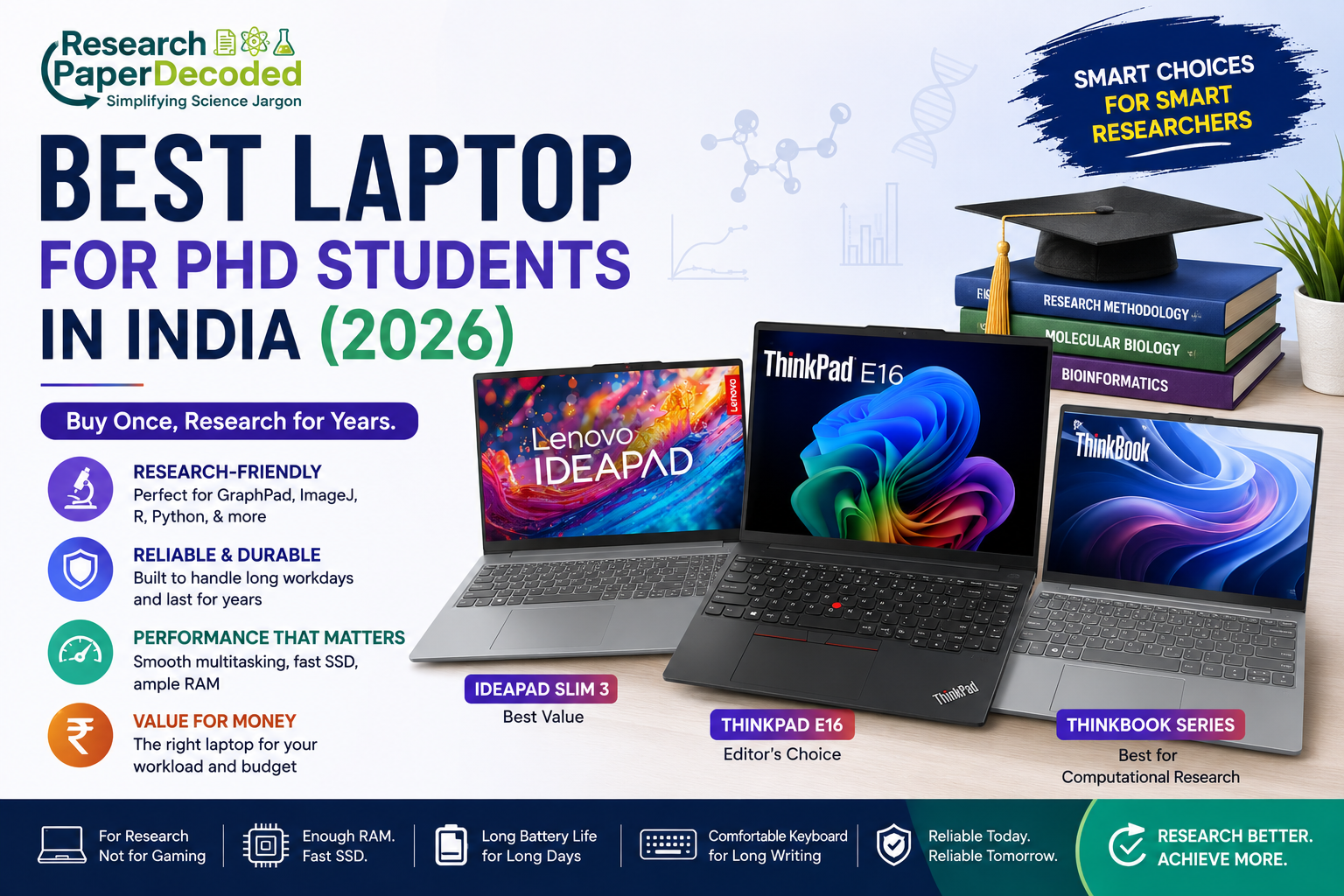
For most PhD students and Research Scholars in India, the Lenovo ThinkPad E16 is our Editor’s Choice because it balances performance, durability, reliable thermals and long-term usability for research work. If your budget is closer to ₹60,000, the Lenovo IdeaPad Slim is a better-value option. Researchers working with computationally intensive workloads should consider a higher-performance Lenovo ThinkBook configuration.
Buy Once, Research for Years
What does a research scholar actually need from a laptop?
As a research scholar, your laptop isn’t just another gadget. It becomes your digital laboratory. It stores years of experimental data, manuscripts, conference presentations, microscopy images, GraphPad projects, ImageJ analyses, and thousands of research papers during your PhD life. Unlike many professionals, researchers rarely replace their laptops every two or three years. We usually buy one machine and expect it to stay reliable throughout our PhD and beyond.
This guide is written from that perspective.
Instead of chasing benchmark scores, we’ll choose a laptop based on your research workload, durability, and long-term value.
Disclosure: This article contains affiliate links. If you purchase through these links, PaperDecoded may earn a commission at no additional cost to you.
What Does a Research Scholar Actually Do?
Let’s be honest. Most life science researchers don’t spend their day editing 8K videos or playing games. Instead, a typical day looks something like this:
- Reading journal articles
- Writing manuscripts
- Preparing PowerPoint presentations
- Managing references with Mendeley or Zotero
- Analysing GraphPad Prism data
- Processing microscopy images using ImageJ/Fiji
- Using SnapGene or BioEdit
- Running qPCR and plate reader software
- Managing dozens of Chrome tabs while attending online meetings
These applications don’t demand an expensive gaming laptop. They demand stability, enough RAM, a fast SSD, a comfortable keyboard, and a laptop that won’t slow down after years of daily use.
Buy According to Your Workload, Not Your Degree
Your degree doesn’t decide your laptop. Your daily workload does. If your work mostly involves reading papers, writing, GraphPad Prism, origin, ImageJ, and other laboratory software, buying a workstation-class laptop doesn’t necessarily make you more productive.
Likewise, if you’re working with large sequencing datasets, R, Python, or computational biology, buying the cheapest laptop may cost you more in frustration later.
That’s why a PhD student in India should buy their Laptop based on their research workload and budget, not academic title.
My Top Laptop Recommendations
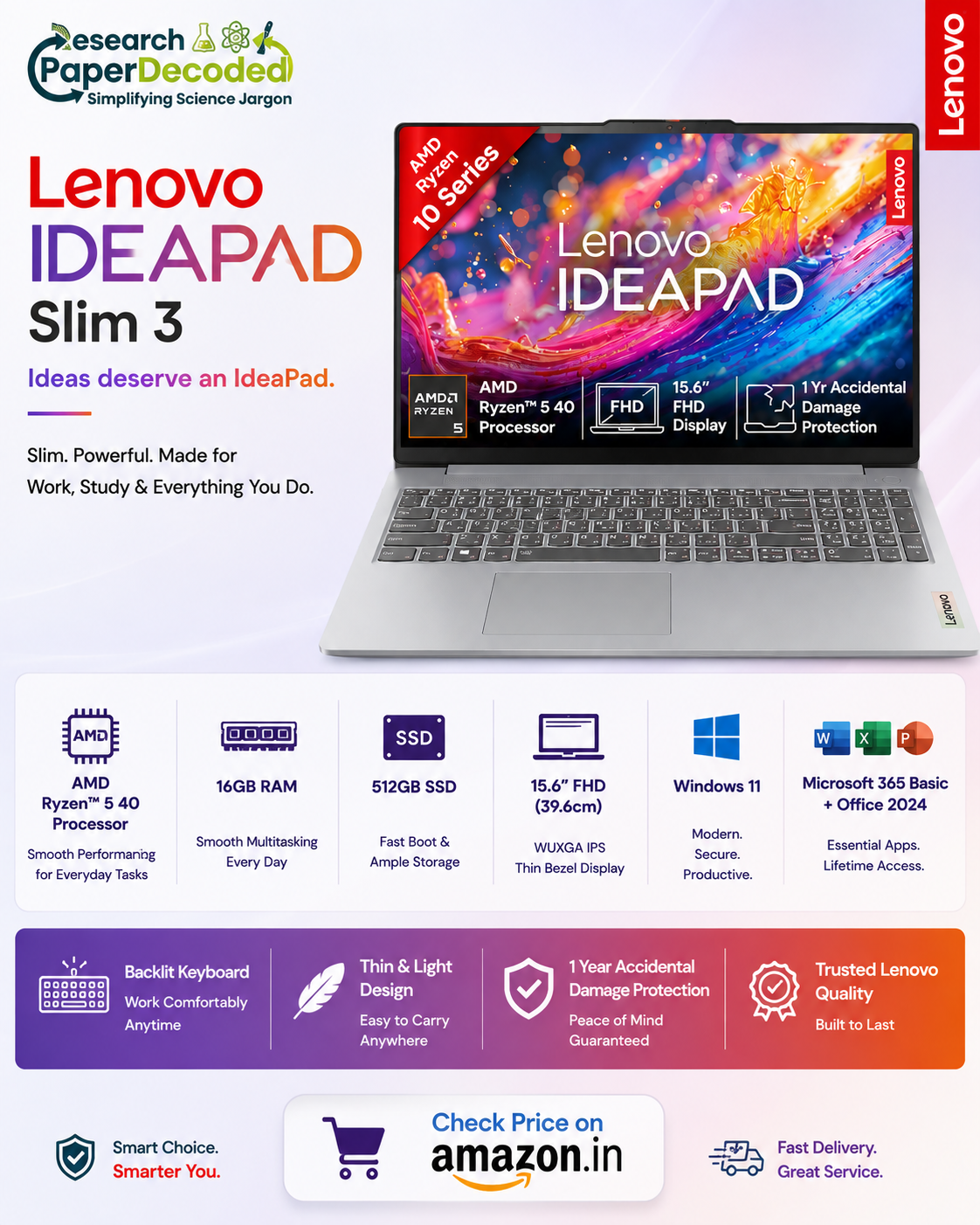
Best Value: Lenovo IdeaPad Slim (₹60,000–₹70,000)
Ideas deserve an IdeaPad.
If your research primarily involves: Microsoft Office, GraphPad Prism,ImageJ/Fiji, SnapGene, BioEdit, Mendeley, Instrument software, Literature review, Manuscript writing then the IdeaPad Slim offers outstanding value. It is lightweight, responsive, and easily capable of handling the daily workflow of most wet-lab researchers. You don’t need to spend an extra ₹20,000 simply because someone online recommends a more expensive laptop.
PaperDecoded Verdict: A smart choice for researchers who want excellent performance without stretching their budget.
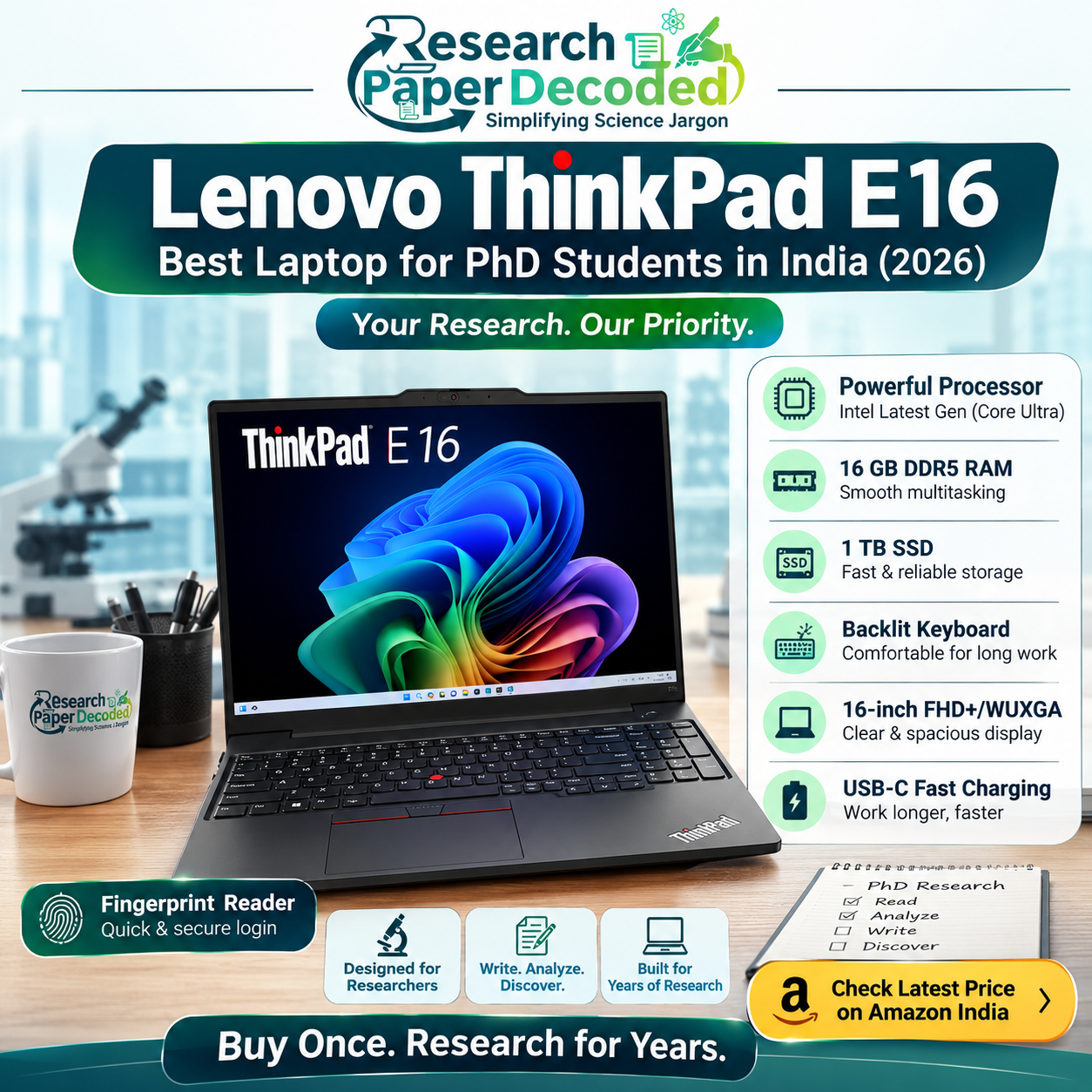
Editor’s Choice: Lenovo ThinkPad E16 (₹75,000–₹90,000)
If I had to recommend one laptop to most research scholars and PhD students in India, this Lenovo ThinkPad E16 would be best. Not because it’s dramatically faster. Because it’s built to survive years of research. ThinkPads have earned their reputation through:
- Excellent keyboards for long writing sessions
- Durable construction
- Reliable cooling
- Comfortable all-day usage
- Smooth multitasking
If your day regularly involves Word, Excel, GraphPad Prism, ImageJ, PowerPoint, Chrome with 50 tabs, Google meetings, and external storage devices, the ThinkPad E16 handles it effortlessly.
The ThinkPad isn’t built for the heaviest software. It’s built for the heaviest workdays.
PaperDecoded Verdict: The best balance of performance, durability, and long-term reliability for most researchers.
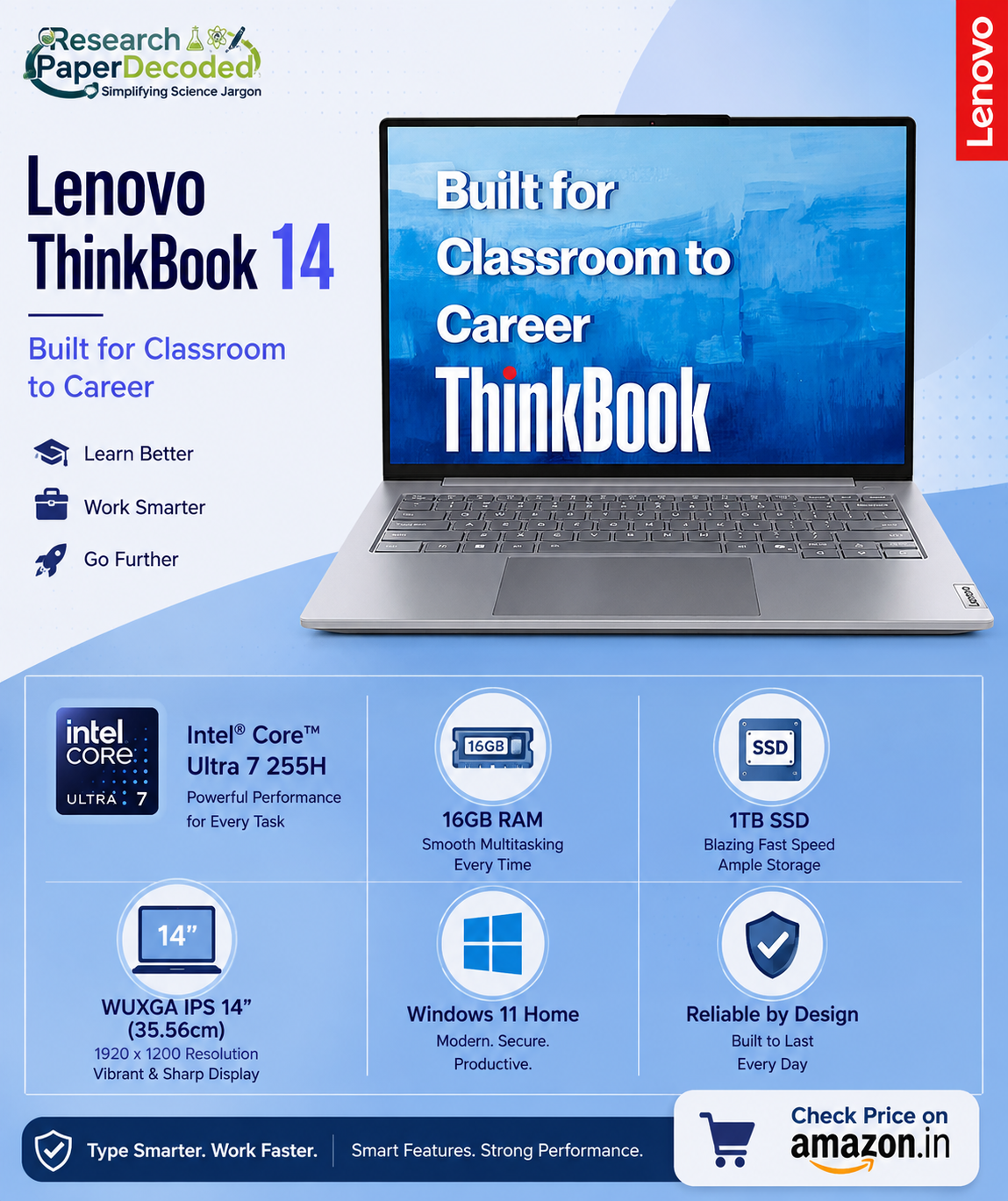
Best for Computational Research: Lenovo ThinkBook (₹90,000+)
Think Beyond. ThinkBook.
Some researchers work with: Bioinformatics pipelines, Python, RStudio, MATLAB, AI-assisted analysis, Large genomic datasets, Statistical modelling These workloads benefit from additional computing headroom.
The ThinkBook provides that extra performance while maintaining a professional design suitable for academic and industrial research. If your research extends into computational biology or data science, the additional investment is justified.
PaperDecoded Verdict: Ideal for researchers handling computationally intensive workflows.
Premium Choice: Lenovo ThinkPad (Higher Configuration)
For researchers who don’t want to think about upgrading for many years, Lenovo’s higher-end ThinkPad configuration offers:
- More memory headroom
- Larger SSD options
- Better multitasking
- Professional durability
If your budget allows and you prefer buying once for the long term, this is an excellent investment.

What Specifications Actually Matter?
Rather than chasing the latest processor, priorities:
- 16 GB RAM minimum (upgradeable if possible)
- 1 TB SSD for research data
- A comfortable keyboard
- Reliable build quality
- Good thermal management
For most life science researchers, these factors influence daily productivity far more than a small difference in benchmark scores.
| Feature | Lenovo IdeaPad Slim | Lenovo ThinkPad E16 | Lenovo ThinkBook | Lenovo ThinkPad (Premium Configuration) |
| Recommended Budget | ₹60,000–70,000 | ₹75,000–90,000 | ₹90,000+ | ₹2,00,000+ |
| PaperDecoded Rating | ⭐⭐⭐⭐☆ | ⭐⭐⭐⭐⭐ (Editor’s Choice) | ⭐⭐⭐⭐⭐ | ⭐⭐⭐⭐⭐ |
| Processor | Intel Core Ultra / AMD Ryzen (Model Dependent) | Intel Core Ultra Series / AMD Ryzen (Model Dependent) | Intel Core Ultra Series / AMD Ryzen (Model Dependent) | Intel Core Ultra Higher Configuration |
| AI NPU Support | ✔ | ✔ | ✔ | ✔ |
| RAM | 16 GB DDR5 | 16 GB DDR5 (Upgradeable) | 16–32 GB DDR5 | 32 GB DDR5 |
| Maximum RAM Support | Moderate | High | High | Very High |
| Storage | 512 GB / 1 TB SSD | 512 GB / 1 TB SSD | 512/1 TB SSD | 1 TB SSD |
| Storage Upgrade | Yes | Yes | Yes | Yes |
| Display Size | 15.6″/16″ | 16″ WUXGA | 16″ WUXGA | 16″ WUXGA |
| Display Quality | IPS | IPS Anti-glare | IPS | Premium IPS |
| Keyboard | Backlit | Legendary ThinkPad Keyboard | Backlit | Premium ThinkPad Keyboard |
| Fingerprint Reader | Selected Models | ✔ | ✔ | ✔ |
| Build Quality | Very Good | Excellent (Business Grade) | Excellent | Premium Business Grade |
| Battery Backup | Excellent | Excellent | Excellent | Excellent |
| Weight | Light | Moderate | Moderate | Moderate |
| Research Workload Match | 90–95% of wet-lab researchers | 95% of PhD researchers (Editor’s Choice) | Researchers with computationally intensive workloads | Professionals wanting maximum longevity and premium features |
My Final Recommendation
If your budget is around ₹60,000, buy the IdeaPad Slim.
If your budget allows ₹75,000–₹90,000, the ThinkPad E16 is my strongest recommendation and the laptop I believe offers the best long-term value for most research scholars with genuine price for long term requirement in research life.
If your research involves computationally intensive analysis, choose the Lenovo ThinkBook 14, Intel Core Ultra 7 (512 GB SSD) or Lenovo ThinkBook 14, Intel Core Ultra 7 (1TB SSD) or Lenovo ThinkBook 14, AMD Ryzen 5 (1TB SSD)
Whatever you choose, buy it with one goal in mind:
Buy one laptop that supports your research from your first literature review to your final thesis submission.
Because researchers rarely remember benchmark scores.
They remember whether their laptop was still reliable the night before submitting their thesis.
PaperDecoded Recommendation
Best Budget Choice: Lenovo IdeaPad Slim Laptop: “Ideas deserve an IdeaPad.”
Editor’s Choice: Lenovo ThinkPad E16 Laptop: Think with ThinkPad.
Best for Computational Research: Lenovo ThinkBook Laptop: Think Beyond ThinkBook.
Best Premium Investment: Higher-Configuration Lenovo ThinkPad

Editor, Research Paper Decoded